 Punte
PunteRemote desktop to Mac from AndroidControl your Mac from an Android phone or tablet.
Punte for Android shows your Mac's screen with its sound and lets you control it by touch or keyboard, over your home network or your own VPN. No cloud, no account, no relay server in between.
Coming to Google Play.
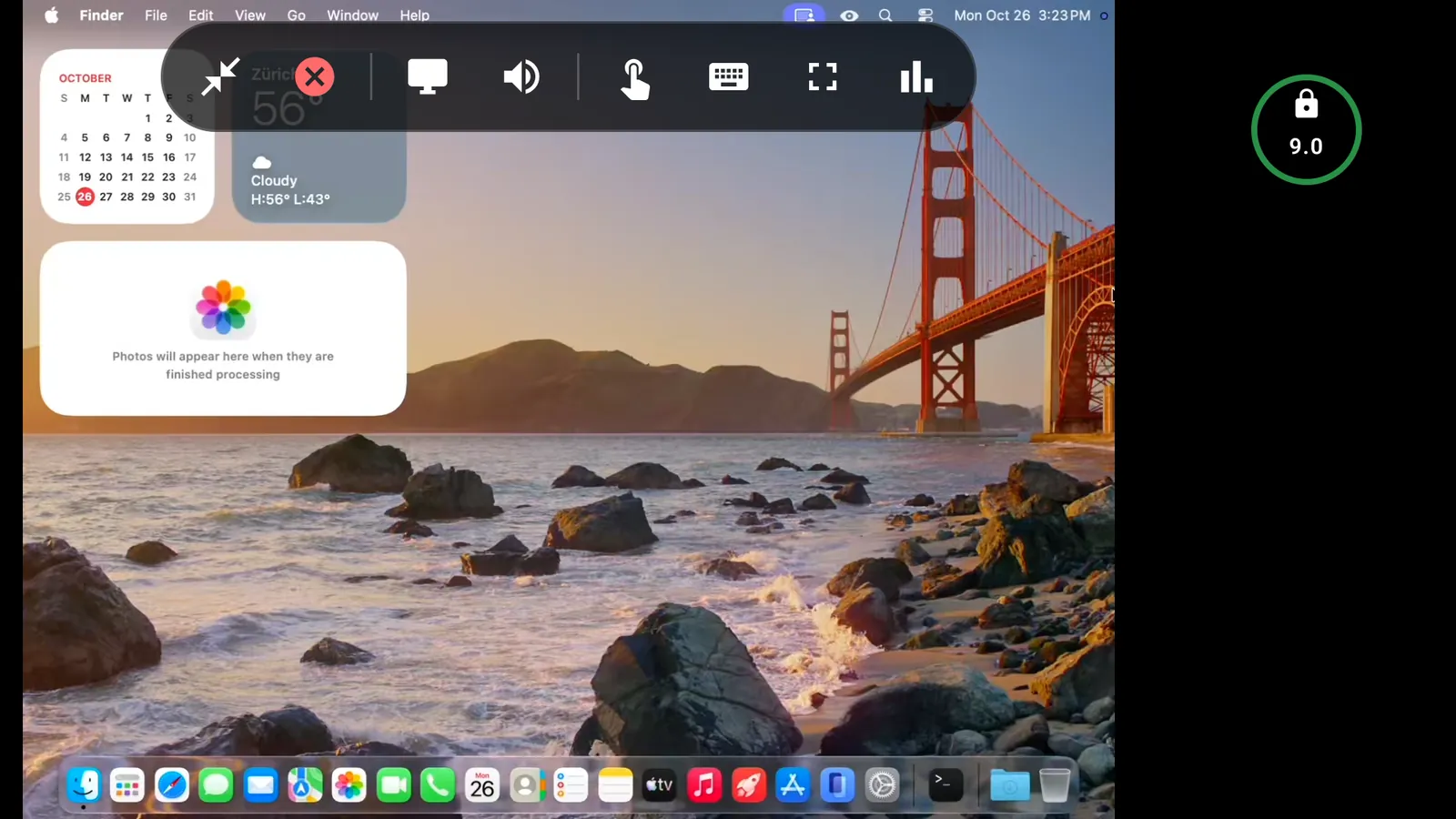
The whole Mac, in your pocket
Phones and tablets
Pick a Mac resolution that fits your screen with Best for this device. The Mac switches back when you disconnect.
Touch, two ways
Trackpad mode for precision, or direct touch to click where you tap. Two fingers scroll with momentum and right-click.
Characters a US Mac has no key for
Type in your own language from the on-screen or a hardware keyboard; Punte sends the characters you type, whatever the Mac's layout.
Pair with a QR code
Scan the code the Mac shows and the address, port and pairing code are filled in.
Clipboard both ways
Copy on the Mac and paste on Android, or the other way round, when you turn it on for that Mac.
Unlock a locked Mac
Sign in to a locked Mac through its own Screen Sharing, carried inside Punte's encrypted connection. Your device's key stays in the Android Keystore.
How to control a Mac from Android
- Install Punte Host from the Mac App Store on your Mac, allow Screen Recording and Accessibility, and turn on Accepting connections.
- Install Punte on your Android device and allow access to devices on your local network.
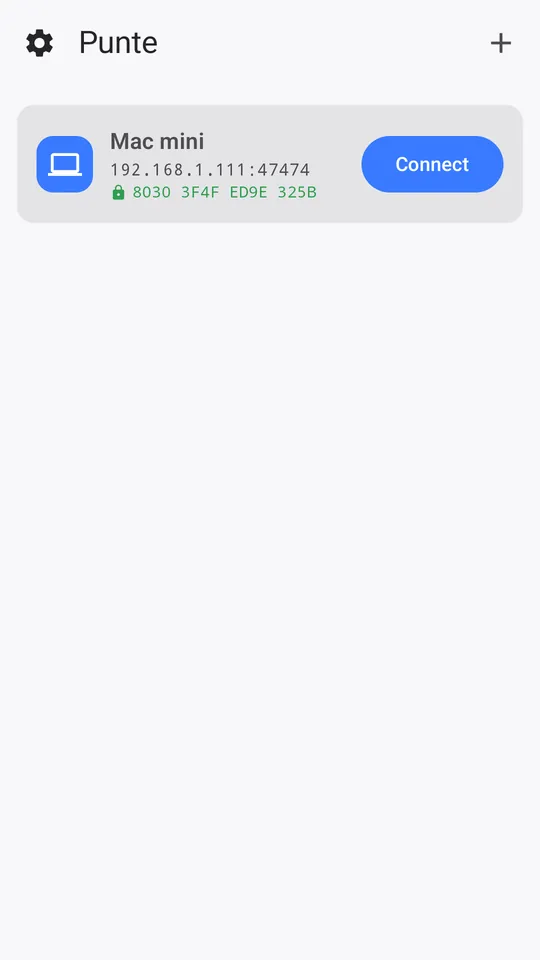
- On the Mac, choose Pair New Device… and scan the QR code, or add the Mac by address and type the code.
- Approve the device on the Mac, then tap Connect.
Away from home, use your VPN and the Mac's VPN address. Full setup guide
Requirements
- Android: Android 10 or later, phone or tablet.
- Mac: macOS 26 or later with Punte Host, free on the Mac App Store.
- Network: the same Wi-Fi network, or a VPN to it.
- Price: free with 10-minute sessions and one Mac. Punte Pro for Android is bought once in Google Play. Pricing
Also on iPad, iPhone, Windows and another Mac.